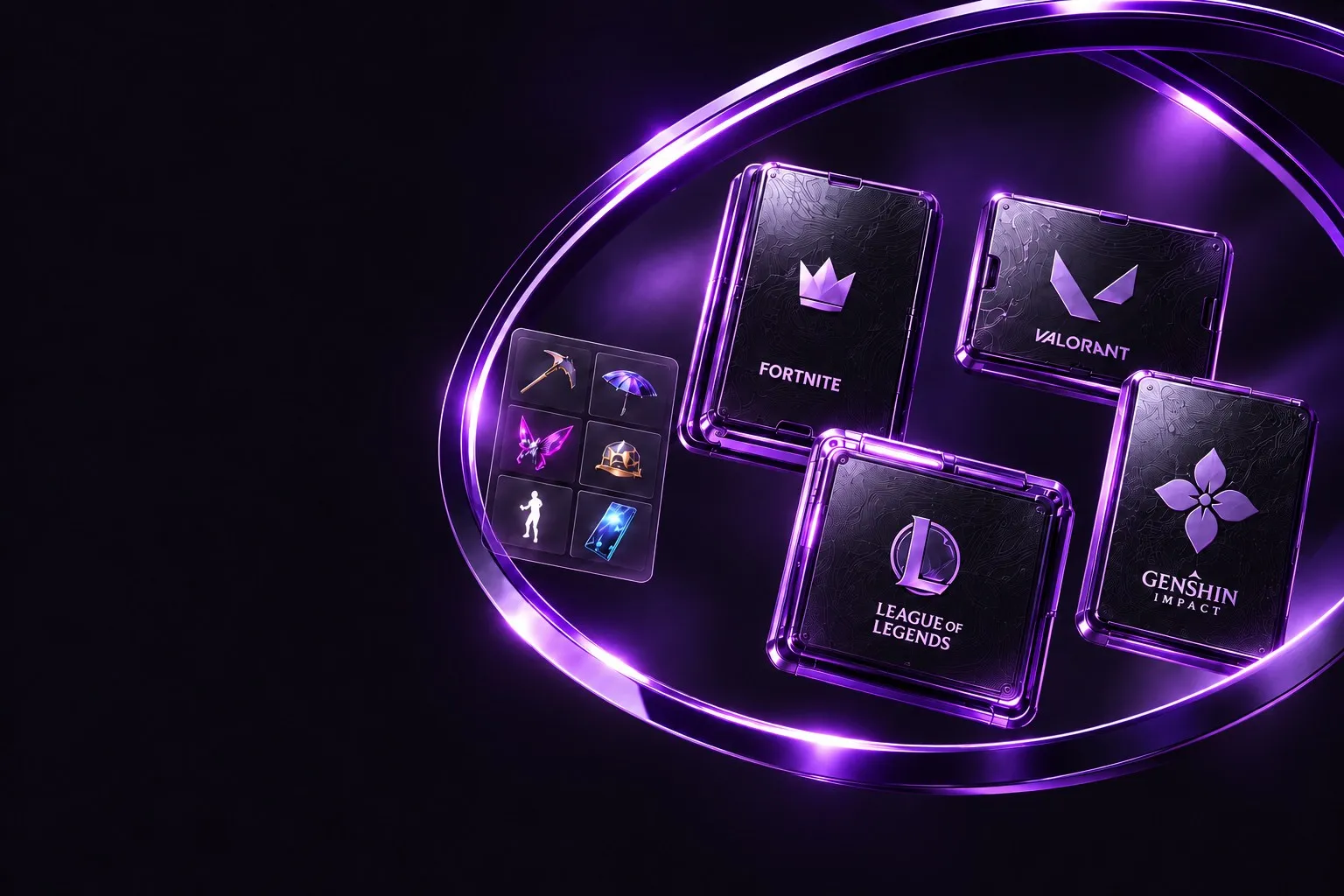
Browse Fortnite and other game accounts with galleries, searchable skins and item inventories. Compare price, region and platform before a manually reviewed order.
Game accounts, with the details upfront.
Compare Fortnite, Valorant, League of Legends and Genshin Impact accounts by the items that matter to you. RareFN brings the gallery, included inventory, price and compatibility details together so you can review a listing before placing an order.
Find the skins and items you want
Start with a game, then search the catalog by account or item name. Use platform, region and price filters to narrow your options. Open a listing to explore its gallery and searchable inventory. Category and rarity filters help you check specific skins, weapons or other included items instead of relying on a cover image.
Browse game accountsCheck the account before you order
Read the platform, region, rank and level alongside the item list. Compare the listed contents with the gallery and ask about anything unclear before ordering. Game publishers have their own account and transfer rules; check the relevant rules and compatibility for your game. Illustrative demo listings are labeled and do not represent real account contents.
Read the account FAQUnderstand payment and delivery
RareFN orders use manually reviewed external transfers through the selected payment method. Placing an order does not unlock credentials. Follow the instructions shown for that order, include its exact RF reference, and upload a payment screenshot if needed. Do not send money while recipient details are placeholders. Account access appears in your library only after an administrator verifies the funds and authorizes your order.
How account orders workWhat is included with a game account?
Check the individual listing for its gallery, searchable inventory, price, platform, region, rank and level. Included skins and items vary by account. Illustrative demo accounts are labeled; their artwork and inventories are examples rather than real stock.
How do I find a particular skin or item?
Search by account or item name in the catalog. On an individual account page, use the inventory category tabs, item search and rarity selector to check the included items.
When will I receive account access?
Create a pending order and follow its external transfer instructions. Include the exact RF reference and report the transfer for review. Credentials unlock only after an administrator verifies the received funds and authorizes your order. Do not transfer money while recipient details are unconfigured.
Can I use an account in any region or on any platform?
Check the exact region and platform on the listing before ordering. Compatibility and publisher rules vary by game. If a detail is unclear, ask through the RareFN Discord community before paying; a listing is not a guarantee of compatibility beyond its stated details.